



Back to: Kiosk Users
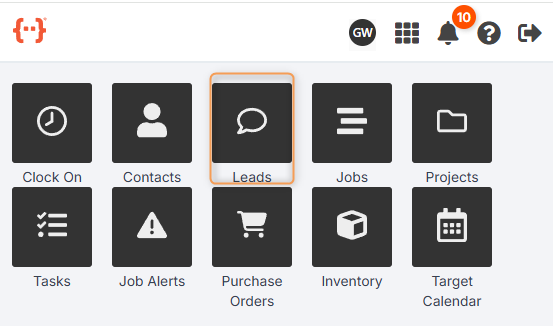
From the Kiosk Dashboard, press Leads to go to the Leads Tab:
The Leads Tab looks like this:
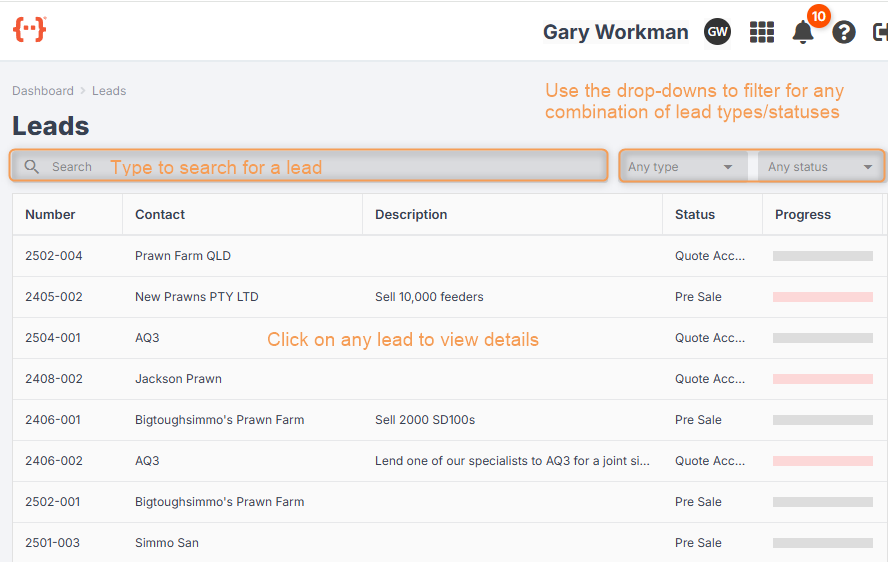
- Use the Search bar to look for a specific lead number.
- Use the Type and Status drop-downs to filter your leads for any combination of lead types/statuses.
- You can control how the columns in the Leads Tab are displayed. (See General Kiosk User > Using Your Agenda Screen.)
- Click on a lead to see more information:
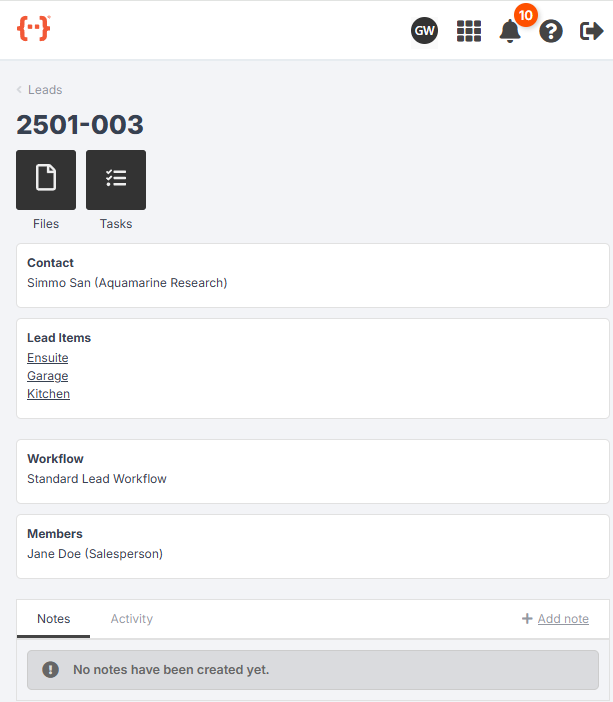
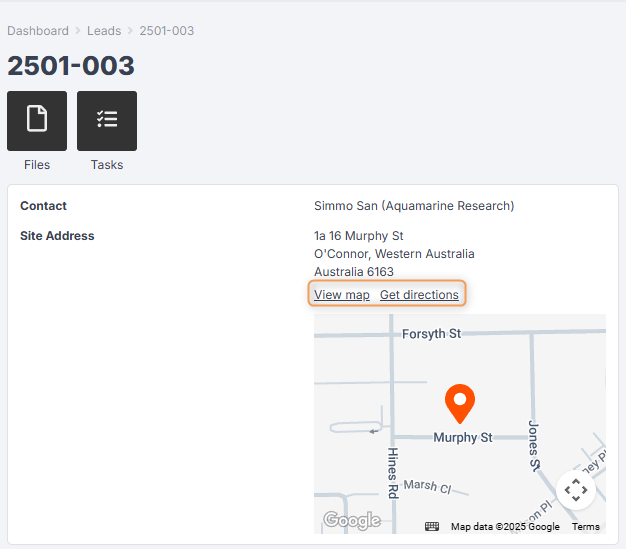
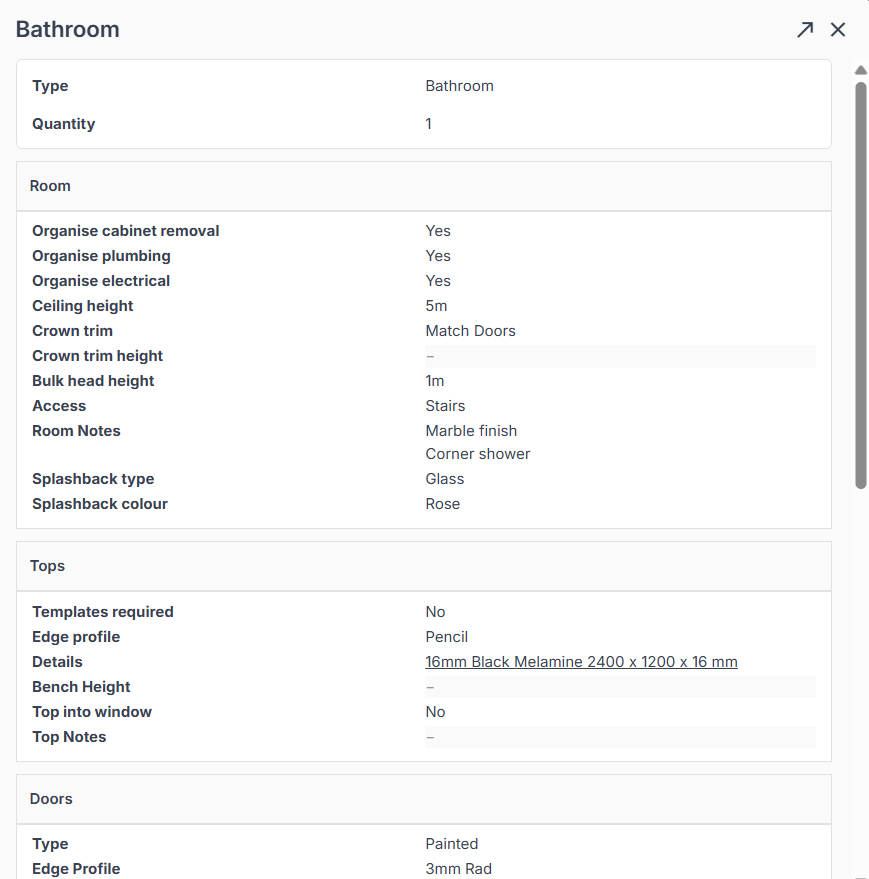
Click on any Lead Item to view a list of specifications:
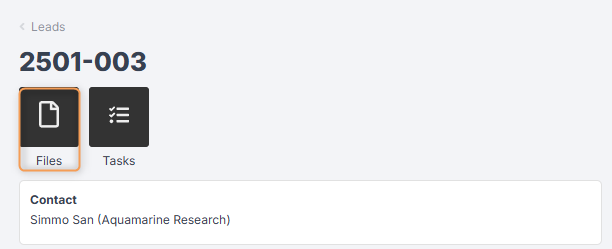
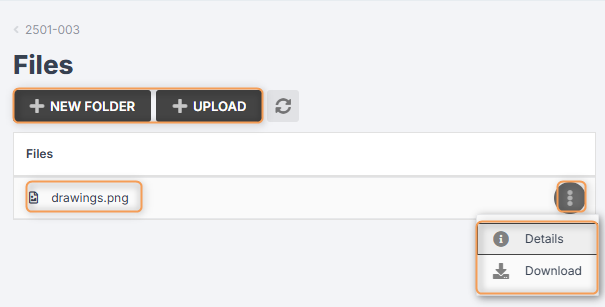
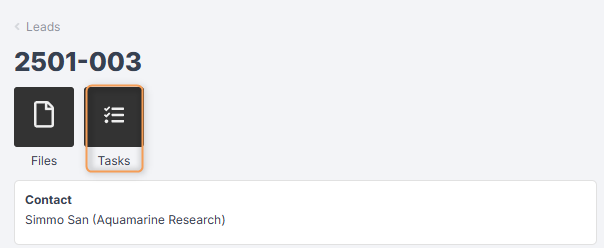
Press Files to view or upload any files related to the lead, e.g. drawings, photos, etc. (You need the correct staff permissions to be able to view and upload files.)
Press Tasks to view a list of tasks required for the lead:
You can click on a task to open a pop-up with its information, or click the three-dot menu next to a task to start it, set progress, create an alert, etc.:
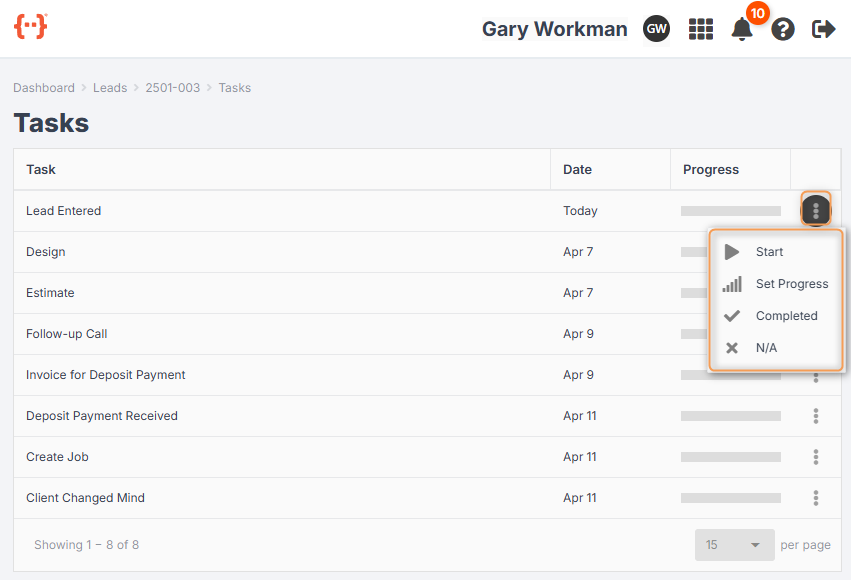
For more information about tasks, see General Kiosk User > Using Your Agenda Screen.
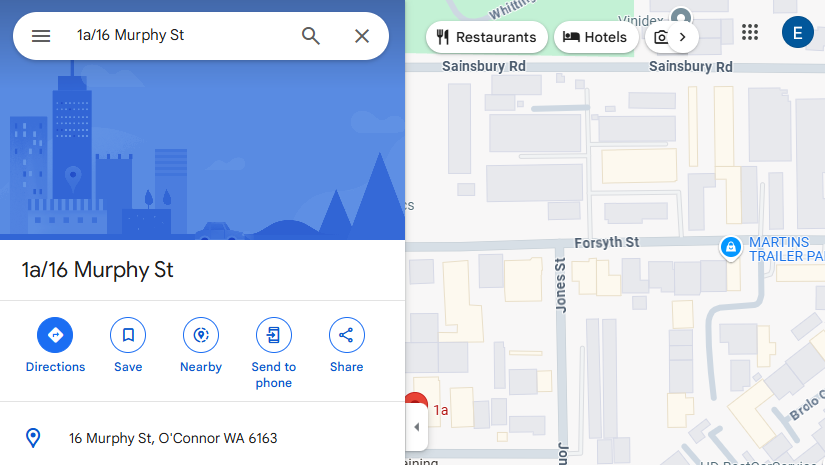
If your lead has a site address, you can click View map or Get directions, which will open up Google Maps in another tab: