

Back to: Kiosk Users
0
Important: You must complete the section “General Kiosk User” before beginning this section.
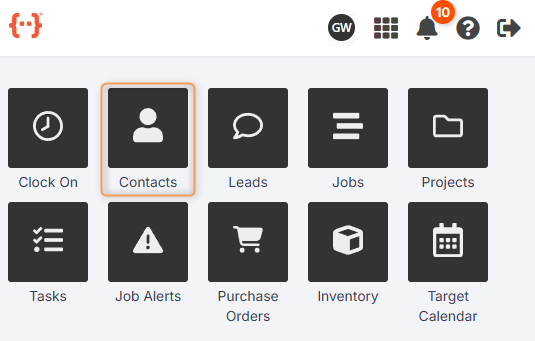
From the Kiosk Dashboard, press Contacts to go to the Contacts Tab:
The Contacts Tab looks like this:
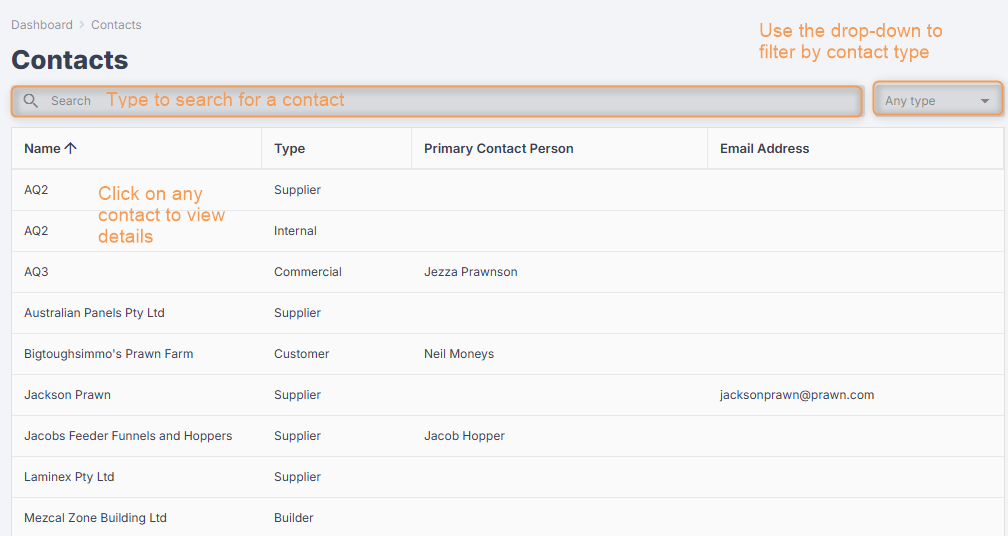
- Use the Search bar to look for a specific contact.
- Use the Type drop-down to filter your contacts for any combination of contact types.
- You can control how the columns in the Contacts Tab are displayed. (See General Kiosk User > Using Your Agenda Screen.)
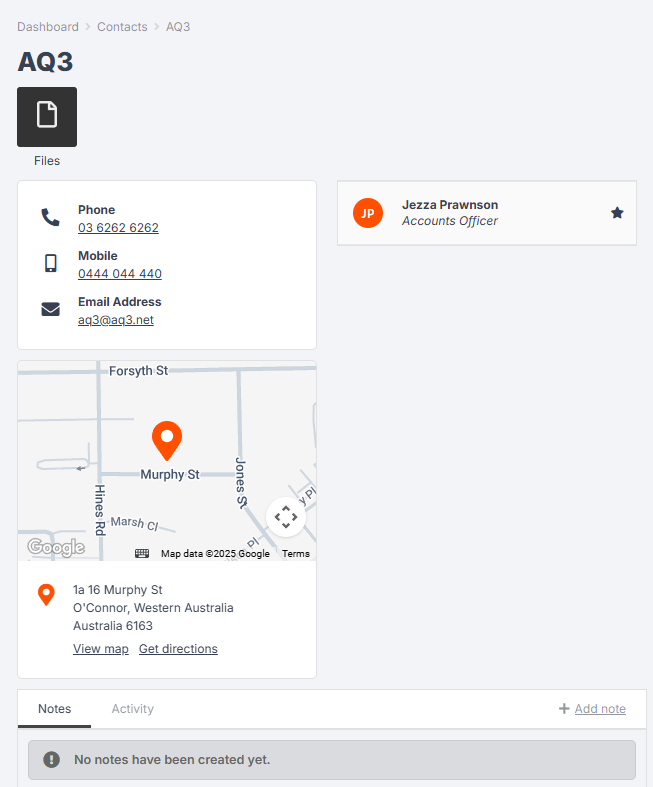
- Click on a contact to see more information, including the contact email, phone number, street address, and specific contact persons:
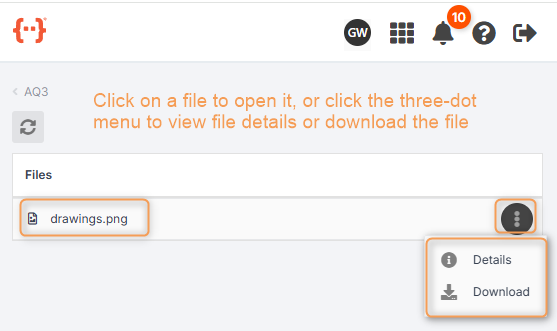
Press Files to view any files that have been uploaded for that contact, e.g. drawings, photos, etc. (You need the correct staff permission to be able to view files.)
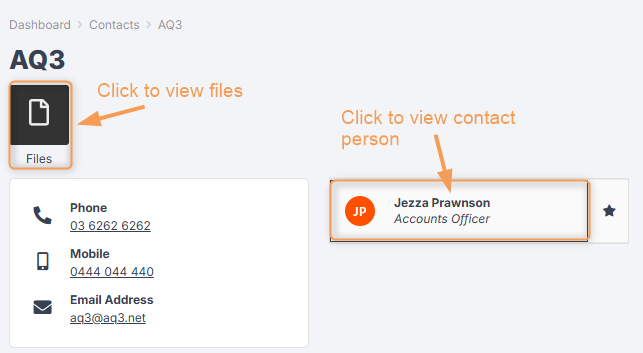
Click on a contact person to view their details: