




Back to: Complete Jobman Set-Up Guide for Administrators
0
Your job picking list is a way of managing your inventory materials so that items allocated to jobs can be found, used, and removed from inventory correctly.
Your picking list contains any job resource materials that are sourced from inventory, and/or received from a purchase order.
Once you (or your staff) have physically removed these materials from storage, you can use the picking list to remove them from your Inventory, following these steps:
- Click into your job from the Jobs tab.
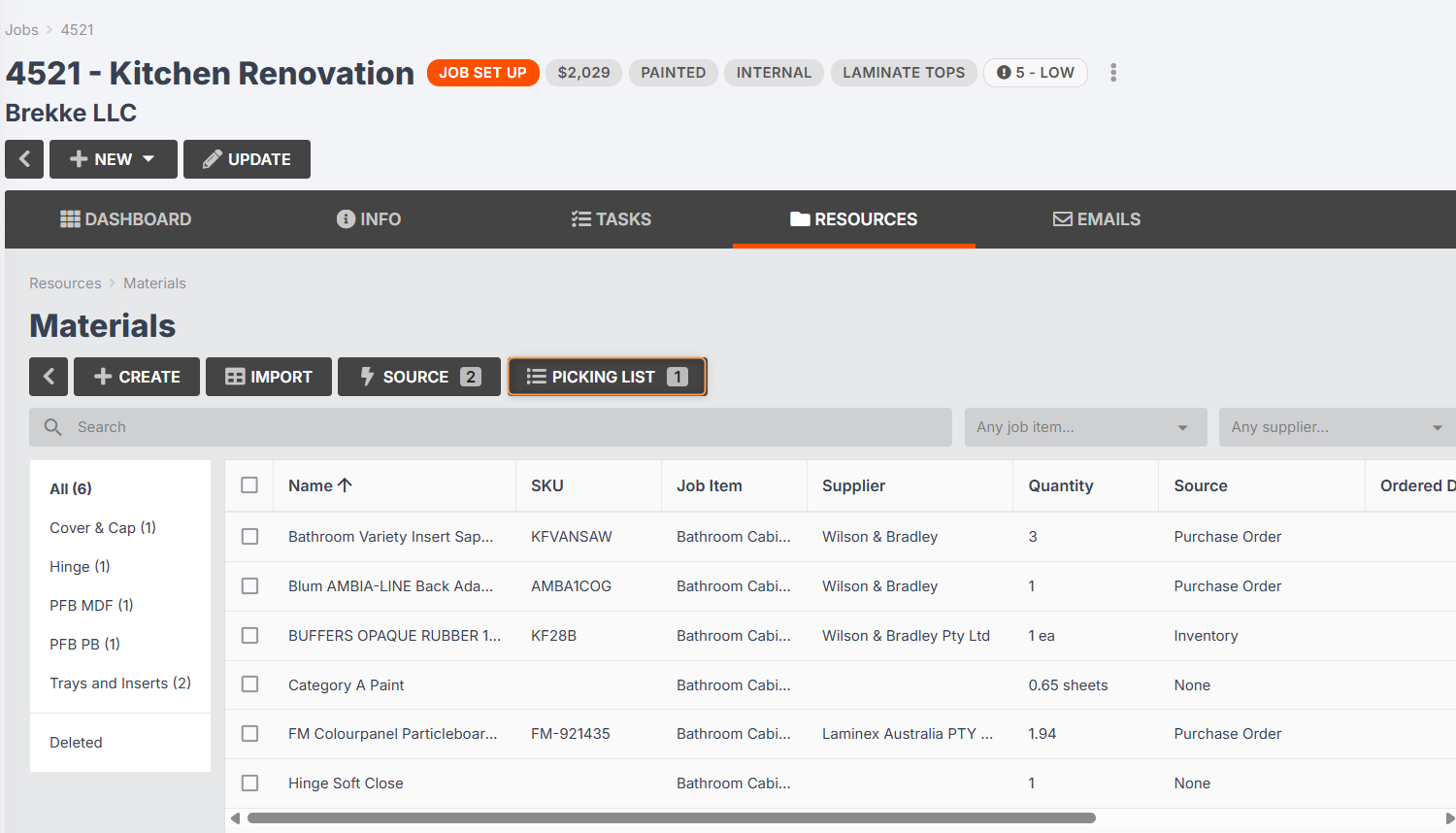
- Click Resources > Materials > Picking List:
- Select the relevant materials and quantities:
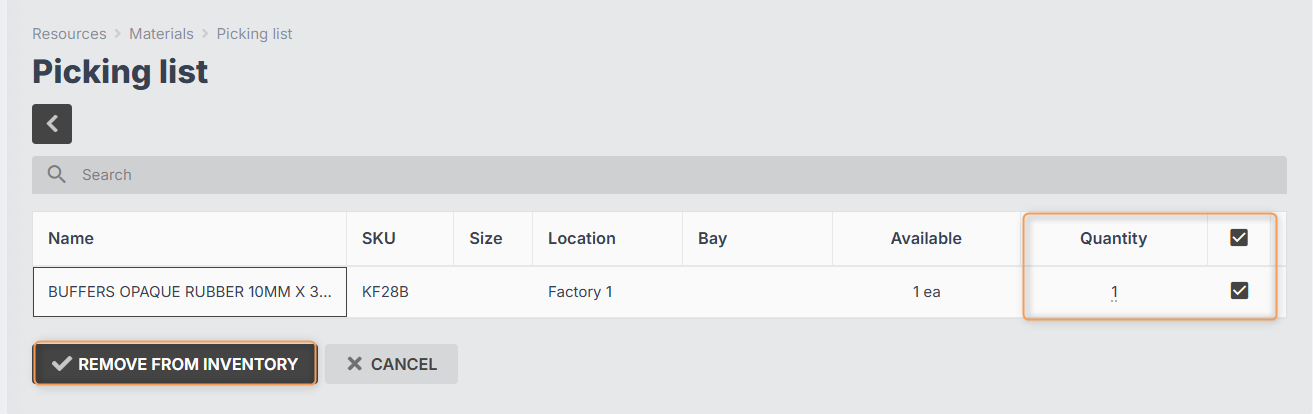
- Click Remove From Inventory.